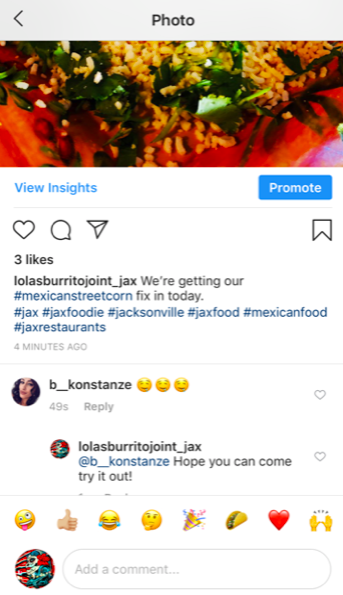
Instagram is becoming more and more popular, especially with younger audiences. While posting on Facebook should be your priority, linking your Instagram or taking photos specifically for your Instagram page can be a great next step in your social media plan. It is sometimes a different audience than Facebook, and gives those not ”connected” to your page a way to see your photos and learn about your business with hashtags.
A hashtag # gives people a way to search for something in the same topic. For example, if I want to look up restaurant photos in Jacksonville, I might search the term #jaxrestaurants . Even though you may not know a specific hashtag, as you start typing, suggestions will pop up to search. You can even do generic searches like #food and scroll through photos.
How to post:
First, enter the login information and hit the + button on the bottom or go to your profile screen:
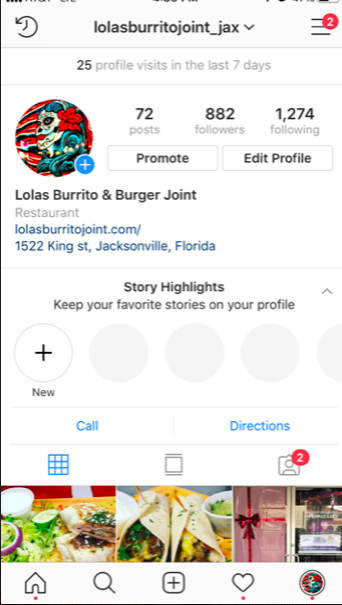
This will allow you to take a photo on the spot or choose one from your library.
| Once you have your selected photo, hit the blue Next in the upper right hand corner to bring you to editing. |
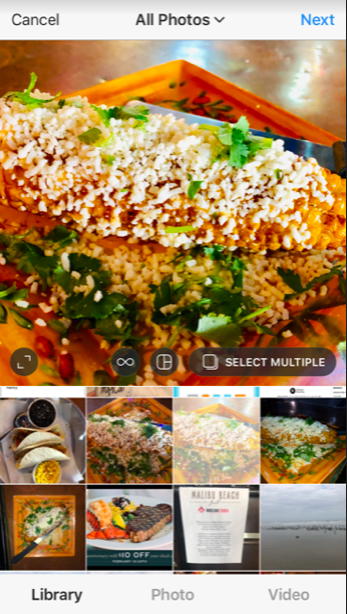
| You can also choose to take video. Just select what option you’d like on the bottom of the screen. | |||
| You can choose a filter (shows your photo in different ways, scroll through to see options) or do regular editing (crop, brightness, etc) on the bottom. Once you are satisfied with how it looks, hit Next on the top. |
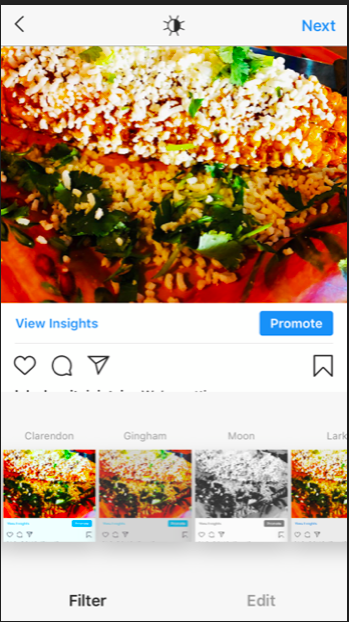
From there, it’s time to post your caption. You can tag different brands or people in your post with the @ sign and use hashtags # to allow people to do searches and find you.
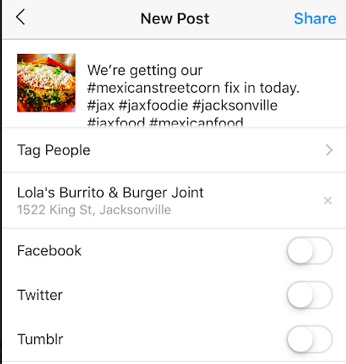
| If you have a Facebook account (all of you do) to link, you should. This gives you double the exposure and half the work of posting twice. Once ready, hit Share on the top to post. | |||||||
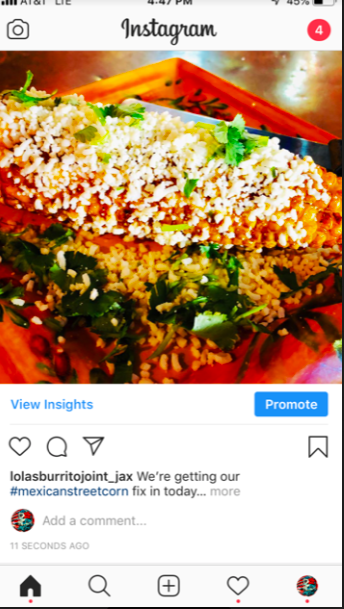
| This will inform you of how many likes and comments you’ve received. Click to it to view more information and respond to comments. | |||||||
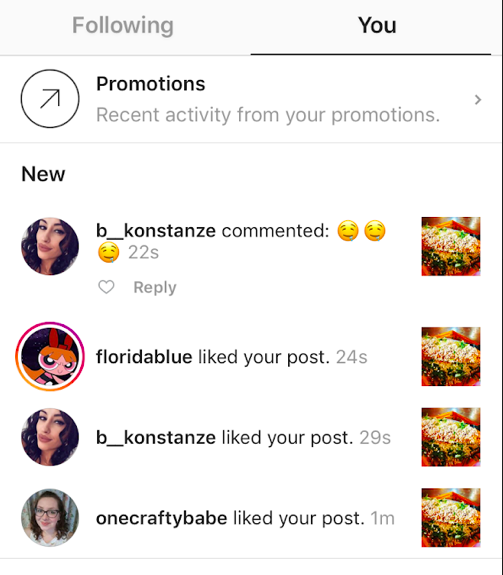
| Don’t forget to respond to any comments you get! |